
We may earn money or products from the companies mentioned in this post.
Buying a Creality 3D printer gets confusing when similar model names hide different workflows and project limits. The Ender-3 V3 SE and V3 KE offer similar print dimensions, while the K1 Max adds a larger build envelope and an enclosed CoreXY design. The useful decision is how much printing space, connectivity, and automation your projects need.
Consider the Ender-3 V3 SE when its current price fits your budget and SD-card file transfer is sufficient. Compare the V3 KE when Wi-Fi, a touchscreen, and additional motion features are worth the price difference. Consider the K1 Max when its 300 × 300 × 300 mm build volume or enclosed workflow solves a specific problem.
This is a research-based comparison of manufacturer-listed features, not a hands-on test. It does not establish independently measured print quality, reliability, setup time, or maintenance cost. The comparison covers these three models rather than Creality’s entire current range.
For a broader first-printer shortlist, see our 3D Printers for Beginners guide.
Which Printer Fits Which Situation?
The V3 SE is worth considering for buyers who want an SD-card workflow and a nominal 220 × 220 × 250 mm build envelope. Creality lists PLA, PETG, and TPU 95A among its supported filaments. Successful printing still depends on the material, profile, setup, and part design.
The V3 KE offers 220 × 220 × 240 mm of nominal build space, Wi-Fi and USB-drive transfer, a touchscreen, and a hotend rated up to 300°C. Its additional features may suit buyers who want network file transfer. They do not automatically establish shorter print times or better results for every project.
The K1 Max provides a nominal 300 × 300 × 300 mm build envelope, an enclosure, CoreXY motion, Wi-Fi, Ethernet, and USB-drive transfer. Creality also lists an AI camera and LiDAR-assisted first-layer checks for the model reviewed here. Confirm the exact regional version and included hardware before ordering.
A larger envelope can reduce the need to split some models, but no listed build size guarantees that a particular helmet, enclosure, or prop will fit. Check the model’s actual dimensions and intended orientation.
Side-by-Side Specifications
Build dimensions describe the nominal printing envelope, not the desk space required to operate the printer. Speed and acceleration figures below are manufacturer specifications, not independent performance measurements.
| Feature | Ender-3 V3 SE | Ender-3 V3 KE | K1 Max |
|---|---|---|---|
| Nominal build volume | 220 × 220 × 250 mm | 220 × 220 × 240 mm | 300 × 300 × 300 mm |
| Motion system | Cartesian, moving-bed design | Cartesian, moving-bed design with X-axis linear rail | CoreXY |
| Advertised maximum printing speed | 250 mm/s | 500 mm/s | 600 mm/s |
| Manufacturer-listed typical speed | 180 mm/s | 300 mm/s | 300 mm/s |
| Advertised maximum acceleration | 2,500 mm/s² | 8,000 mm/s² | 20,000 mm/s² |
| Maximum nozzle temperature | 260°C | 300°C | 300°C |
| Leveling and calibration | CR Touch bed leveling and automatic Z-offset | Automatic bed leveling and Z-offset; optional G-sensor for vibration measurement | Bed leveling using heatbed strain sensors; separate LiDAR-assisted first-layer checks |
| File transfer | SD card | USB drive and Wi-Fi | USB drive, Wi-Fi, and Ethernet |
| Controls | Color screen with knob | Color touchscreen | Color touchscreen |
| Factory enclosure | No | No | Yes |
| Workspace planning | Allow moving-bed travel, spool clearance, and maintenance access | Allow moving-bed travel, spool clearance, and maintenance access | Allow door opening, spool access, cable clearance, and maintenance access |
Creality’s typical-speed figures are additional specifications, not guaranteed everyday settings. Actual print time depends on geometry, layer height, acceleration, cooling, flow limits, material, and the selected profile. A speed ratio does not translate directly into a print-time ratio.
Price and Availability Notes
On October 30, 2026, Creality’s US store pages displayed $179 for the SE, alongside a $199 reference price, and $549 for the K1 Max, alongside a $899 reference price. These are dated page observations, not guaranteed checkout prices. Bundles, shipping, taxes, and availability can change.
The KE’s official pages were inconsistent: Creality’s series comparison displayed $259, while its product page displayed $279. The linked US store page could not be retrieved during this check, so a current KE purchase price and availability are not confirmed here. Compare the exact configuration and checkout total before deciding.
Ender-3 V3 SE: SD-Card Workflow and Automatic Leveling
The V3 SE provides a medium-size print envelope for organizers, replacement knobs, brackets, and other parts that fit within its nominal dimensions. Larger objects may need to be split and joined, adding finishing work and potentially changing the part’s strength.
Its Sprite direct-drive extruder supports the PLA, PETG, and TPU 95A materials Creality lists for the machine. CR Touch bed leveling and a strain sensor for automatic Z-offset reduce specific manual calibration steps. They do not eliminate plate cleaning, mechanical inspection, filament care, or the need to check the first layer.
The hotend is rated up to 260°C. A temperature rating alone does not establish compatibility with every filament that melts below that limit; bed requirements, cooling, environmental conditions, and material guidance also matter.
Reasons to Consider It
The SE offers automatic leveling and Z-offset, direct-drive extrusion, and offline file transfer without requiring a network-printing setup. Its color screen and knob provide a different interface from the touchscreens on the other two models.
It is a reasonable candidate when the verified total purchase cost suits the budget and transferring files by SD card is acceptable.
Limitations to Consider
The standard SE has no built-in Wi-Fi printing workflow or factory enclosure. Files must be transferred by SD card in its standard configuration. Its advertised speed and temperature ceilings are lower than the KE’s, but those figures alone do not measure relative print quality or reliability.
Budget for filament, suitable storage, cleaning supplies, and eventual replacement consumables. The SE’s simpler feature set does not prove it has the lowest maintenance burden or replacement-part cost.
Consider the SE when offline file transfer meets your needs and its current price makes sense. Check the official SE listing.
Ender-3 V3 KE: Network Features and Additional Controls
The KE has the same nominal width and depth as the SE, but 10 mm less build height. That difference matters if a particular part approaches the vertical limit.
Creality lists machine dimensions of 433 × 366 × 490 mm for the KE and 420 × 366 × 490 mm for the SE. The KE is therefore not exactly the same size. Neither set of static dimensions includes all the clearance needed for bed travel, filament handling, cables, and maintenance.
The KE adds Wi-Fi, USB-drive transfer, a touchscreen, and an X-axis linear rail. Creality lists a 500 mm/s maximum printing speed, 8,000 mm/s² maximum acceleration, and a 300°C nozzle-temperature ceiling.
Creality also lists input shaping and motion advance. The G-sensor used for vibration measurement is optional, so check the included accessories before assuming every calibration function is available in the supplied configuration.
When the Additional Features Matter
Wi-Fi may simplify sending files from the computer to the printer. A touchscreen may suit a buyer who prefers that interface. These are workflow choices rather than proof that everyone will find the KE easier to use.
Monitoring functions depend on the software, connection, and installed accessories. A Wi-Fi connection does not mean a camera is included; Creality lists the KE’s AI camera as optional.
Compare the current price difference with the features you will use. A higher speed specification is less valuable if your preferred materials and models require conservative settings.
Material Compatibility Needs Context
Creality lists PLA, PETG, TPU 95A, ABS, and ASA for the KE. That listing does not mean its open frame provides a controlled chamber or guarantees successful printing with every material and design.
Follow the exact printer and filament instructions for environmental conditions and ventilation. Do not choose the KE for ABS or ASA solely because its hotend reaches 300°C, or assume an improvised enclosure is approved for it.
Compare the KE when network transfer and its additional controls justify the verified price difference. See the official KE features.
K1 Max: Larger Build Space and an Enclosed CoreXY Design
The K1 Max’s 300 × 300 × 300 mm envelope offers 80 mm more nominal width and depth than either Ender model here. It also offers 50 mm more height than the SE and 60 mm more than the KE.
Those are differences in printable dimensions, not differences in the machines’ physical footprints. The extra print space may help with larger storage containers, prototypes, display pieces, and assemblies. Check each model’s dimensions rather than assuming all helmets or props fit in one piece.
Creality lists a 600 mm/s maximum printing speed, a 300 mm/s typical speed, a 20,000 mm/s² maximum acceleration, and a hotend rated up to 300°C. Its 600 mm/s claim is tied to specified Creality laboratory conditions, not a universal printing profile.
Automation and Monitoring
The K1 Max uses heatbed strain sensors to generate a leveling mesh. Its separately described AI LiDAR system checks the first layer, while its AI camera supports monitoring and error-detection features. These functions should not be combined into the claim that LiDAR alone performs bed leveling.
The features do not replace sensible slicing, a clean build surface, suitable filament, or inspection. Detection and alerts should not be treated as guarantees that every failed print will be identified.
Wi-Fi, Ethernet, and USB-drive transfer provide several ways to move files. Confirm the exact machine version, firmware guidance, software support, and included hardware with the seller.
What the Enclosure Changes
The enclosure provides panels around the printing mechanism and helps limit drafts. It does not establish that every demanding material is suitable for every indoor setting.
Creality advertises built-in air filtration for the K1 Max. That feature should not be interpreted as proof that all emissions are removed or that ventilation guidance no longer applies. Follow the printer and filament instructions for the intended material.
Allow space for opening the door, accessing the spool, routing cables, and servicing the machine. Follow the placement requirements for the exact version rather than relying only on the printer’s static dimensions.
Consider the K1 Max when the larger envelope or enclosed CoreXY workflow addresses a specific project need. Check the official K1 Max listing.
How to Choose
Measure Your Largest Regular Project
Check the intended orientation, supports, brims, and usable plate area. A model that barely fits the nominal envelope may require changes to the print setup.
The SE and KE provide the same nominal width and depth. Choose between them primarily by workflow and features unless the 10 mm height difference affects a project. Compare the K1 Max when the additional dimensions will be used regularly.
Plan the Full Operating Area
The SE and KE need moving-bed and spool clearance. The K1 Max needs door and filament access as well as room for maintenance. Use a stable surface and follow the manufacturer’s placement guidance.
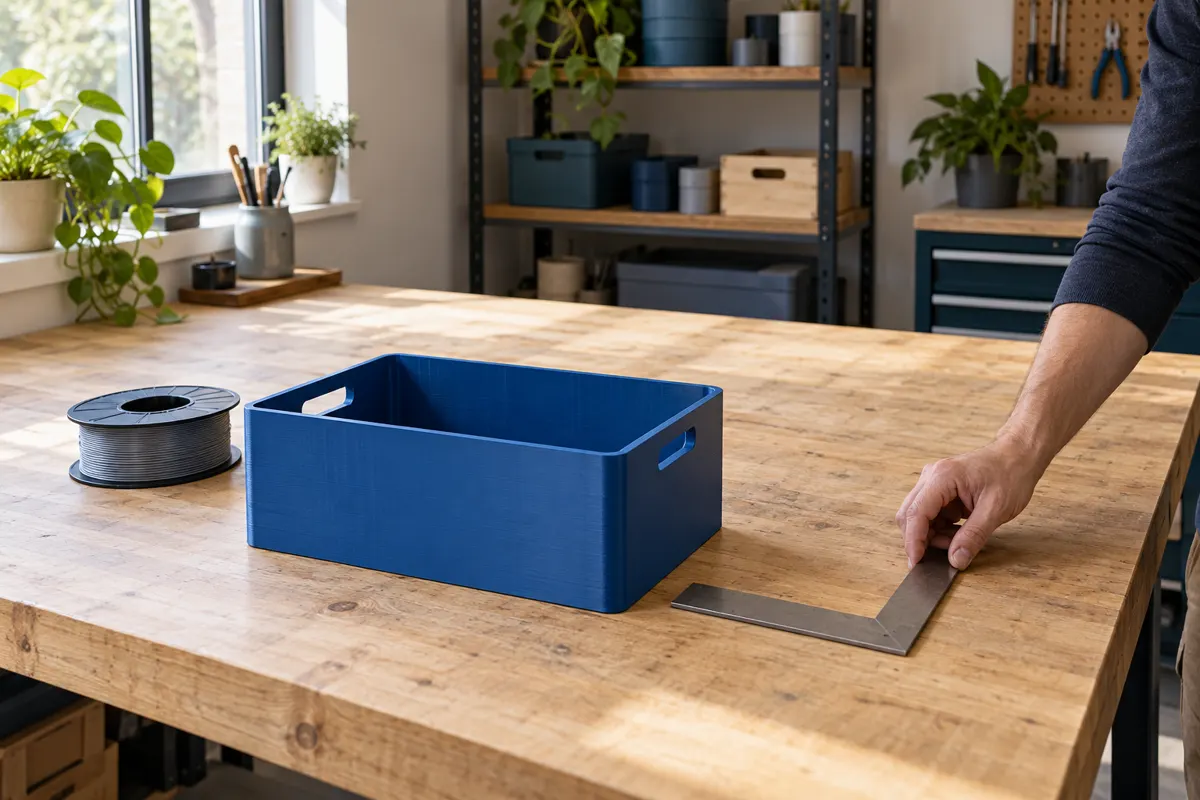
A printer that fits on a desk while stationary may still lack enough operating space.
Choose a File-Transfer Workflow
SD cards, USB drives, and network connections can all be workable. Consider where the computer is located, how files will be prepared, and whether maintaining a network connection is useful.
Use supported slicer profiles for the exact model. A network connection cannot correct a dirty plate, unsuitable settings, or moisture-affected filament.
Budget Beyond the Purchase Price
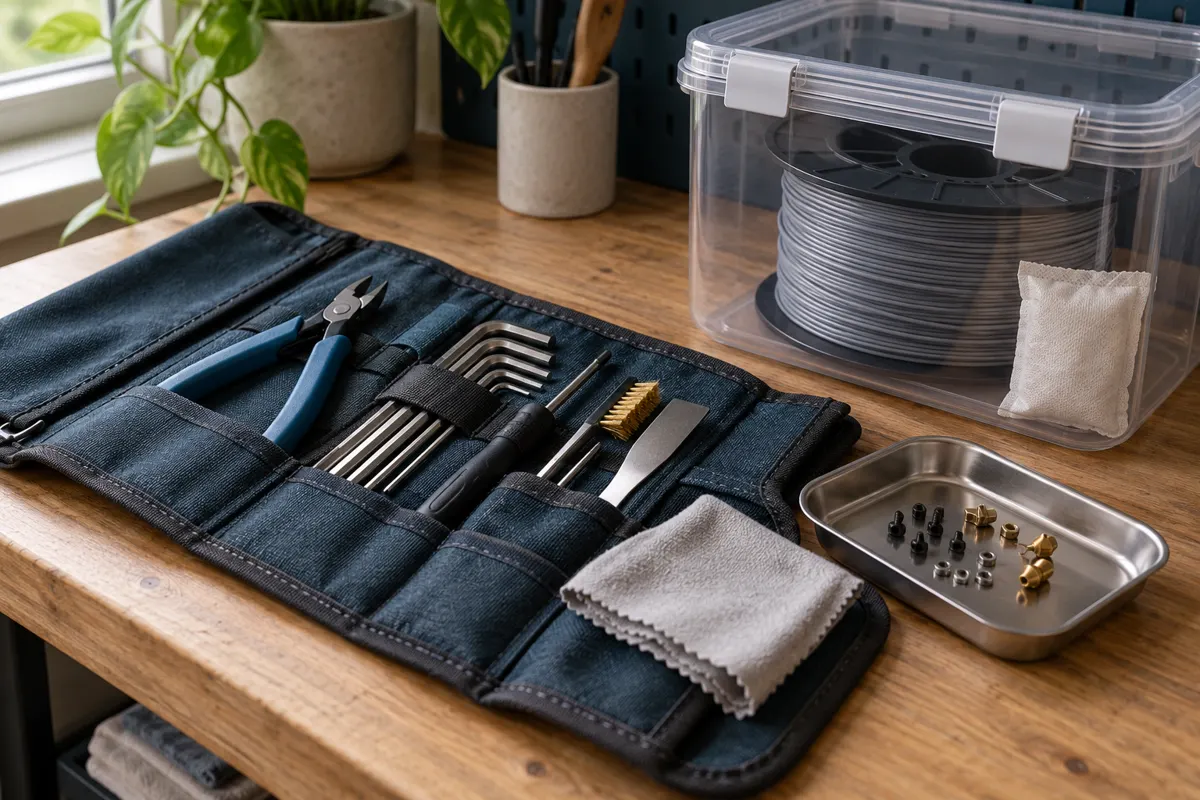
Include filament, appropriate storage, cleaning supplies, replacement nozzles or build surfaces, and any tools or accessories actually needed. Compare the specific parts and prices for each model rather than assuming a more complex printer always costs more to maintain.
The larger K1 Max envelope may reduce the need to split some models, but that benefit depends on the objects being printed. Larger prints also use material and take time; extra build space is not automatically a saving.
Treat Speed as One Factor
Small parts can be limited by minimum layer time. Detailed outer walls, flexible filament, and tall narrow objects may require slower settings. Start with a suitable manufacturer profile and adjust deliberately.
Creality’s maximum and typical-speed figures help describe the machines, but neither is a measured prediction of your project’s completion time.
Common Questions
Is the KE better than the SE for beginners?
The KE adds network transfer, a touchscreen, and additional motion features. Those may justify the price for some buyers. The SE remains worth comparing when an SD-card workflow is sufficient. This feature comparison is not a measured ranking of beginner success or setup time.
Does the K1 Max’s speed rating mean proportionally faster prints?
No. Model geometry, cooling, layer height, acceleration, flow limits, and slicer profiles affect completion time. Maximum-speed ratios do not predict print-time ratios.
Is an enclosure necessary for PLA?
Not universally. Follow the printer and filament guidance. An enclosed machine may require different door or lid settings for some materials; do not assume keeping the chamber closed is always preferable.
Should I choose the SE or KE for ABS?
Creality lists PLA, PETG, and TPU 95A for the SE, and additionally lists ABS and ASA for the KE. The KE’s material list still needs to be read alongside its open-frame limitations and the manufacturer’s instructions. Nozzle temperature alone is insufficient grounds for the choice.
Which model needs the least maintenance?
This comparison does not include measured maintenance data. All three need care appropriate to their design. Check official maintenance schedules and replacement-part availability for the exact model.
Which Creality 3D Printer Fits Your Projects?
Consider the Ender-3 V3 SE when its verified purchase price and SD-card workflow meet your needs. It offers automatic leveling and a useful medium-size print envelope.
Compare the Ender-3 V3 KE when Wi-Fi, USB transfer, a touchscreen, and additional controls justify the current price difference. Remember that it remains open-frame and has slightly less build height than the SE.
Consider the K1 Max when the larger build envelope, enclosure, CoreXY design, or included monitoring features solve a specific problem. Those features do not establish a universal winner for small projects or every budget.
Choose by the projects you expect to print, the operating space available, and the workflow you are willing to learn.
Sources and Research Method
Official Creality pages were checked on October 30, 2026. Prices are dated observations; KE checkout pricing and availability were not confirmed. The feature comparison contains no hands-on testing or independent performance measurements.