
We may earn money or products from the companies mentioned in this post.
The SUNLU S2, SUNLU S4, and Polymaker PolyDryer handle wet filament in three different ways. The S2 is a small single-spool heated box.
The S4 is a big chamber that takes up to four spools.
The PolyDryer is a heated dock with sealed boxes that also work as storage. Picking a filament dryer from these three mostly comes down to how many spools you run, how much shelf space you have, and whether you want a storage routine on top of drying.
Quick decision: Start with the S2 for one-spool use, the standard S4 for batch capacity, or PolyDryer for a modular drying-and-storage routine. These are workflow-based recommendations, not a tested performance ranking. Check the exact material requirements, spool fit, and package before choosing.
This comparison uses manufacturer documentation, not hands-on testing. Prices below are dated listing observations, excluding tax and shipping; confirm the selected US variant at checkout.
Quick Comparison Table
The table separates spool dimensions from filament diameter. A 1 kg capacity label alone does not establish that a particular reel fits.
| Feature | SUNLU S2 | SUNLU S4 (standard) | PolyDryer (standard Dock + Box) |
|---|---|---|---|
| Capacity | One spool | Up to four 1 kg spools | One standard Box on one Dock at a time |
| Spool fit | SUNLU’s comparison guide lists maximum Ø210 × 85 mm; confirm your revision | Confirm individual spool diameter and width; the chamber is not an individual-spool fit limit | Standard Box marketed for up to 1 kg; confirm actual reel dimensions |
| Filament diameter | Check the selected model’s feed-port guidance | Maker lists 1.75, 2.85, and 3.0 mm | Check the selected Box’s routing instructions |
| Drying control | Temperature and timer controls; maker lists up to 70°C | Shared chamber setting; maker lists up to 70°C | Three preset power levels; not a directly equivalent temperature dial |
| Overall dimensions | 265 × 274 × 118 mm, manufacturer-listed sequence | 458 × 218 × 312 mm | Check assembled Dock + Box dimensions and lid clearance; Box XL differs |
| Published power | 48 W maximum working power | Official pages contain differing rated/heater figures; see note below | Polymaker lists 68 W for the Dock heating unit |
| Listed price observed November 18, 2026 | $44.99 for US-plug black single unit in SUNLU’s product feed | Official collection lists from $116.99; confirm US variant and bundle | $79.99 for the displayed US Dock + Box selection; page showed unavailable |
| Storage approach | Heated chamber; do not assume airtight storage | Heated chamber; do not assume airtight storage | Box provides storage after removal from Dock and closure as instructed |
Conflicts and gaps in the specs
Standard S4 versus S4 Pro. These are separate products. This comparison covers the standard S4, not the Pro. Verify the model name and regional specification rather than borrowing a Pro feature for the standard unit.
S4 power figures. SUNLU’s product page lists 300 W rated power alongside a 350 W heater claim. Its store specifications list 320 W rated power, with other heater figures elsewhere. These are unresolved differences in the published material, not independently verified revisions. Use the rating label/manual for the exact unit; ask SUNLU if the distinction affects your purchase. Rated power is not a measurement of energy consumed over a drying cycle.
Prices and stock. The S2 feed, S4 collection, and PolyDryer selected variant are different types of listing observations. The S4 starting price is not confirmation of a specific US package. PolyDryer’s unavailable message applied to the displayed Dock + Box selection, not necessarily every accessory or retailer. Confirm stock, plug, included parts, and delivered price before ordering.
PolyDryer temperature. Polymaker reports a highest internal range of roughly 68–73°C, dependent on conditions and load. That is a manufacturer statement, not a measured result here or a guarantee for every part of a spool. It should not be treated as a thermostat setting equivalent to SUNLU’s controls.
Active Drying vs. Dry Storage
Decide whether you need to remove absorbed moisture, limit further uptake, or both before choosing hardware.
Active drying uses a heater and airflow to warm the filament so moisture can leave it. It is intended for filament that needs drying under its manufacturer’s guidance. Popping or stringing can justify a check, but neither those symptoms nor an open spool proves moisture is the cause.
Dry storage keeps a dry spool dry. It’s usually a sealed box with desiccant.
A sealed box with fresh desiccant helps limit moisture uptake. It should not be relied on as an equivalent replacement for an appropriate active drying cycle when filament already needs drying.
Some products do both. The PolyDryer works that way.
A heated Dock sits under a sealed Box, so you dry the spool and then leave it in the Box afterward.
The SUNLU units are heated chambers with print-through options. SUNLU also describes storage uses, but that does not establish airtight, unpowered long-term protection. Follow the model’s guidance for vents, ports, and storage between cycles.
Chamber humidity says little about the filament
A humidity readout tells you about the air inside the chamber. Filament holds moisture inside the plastic, and that moisture leaves slowly.
The air reading can look great while the spool is still damp.
Use chamber humidity as environmental context, not as a direct measure of water remaining inside the polymer. Popping, bubbling, stringing, or brittleness can have other causes too.
Follow the filament maker’s drying procedure and compare subsequent print behavior while controlling other settings. A casual whole-spool weighing experiment is not a validated moisture test: scale precision, the spool, and other variables can affect the reading.
SUNLU S2
What it is
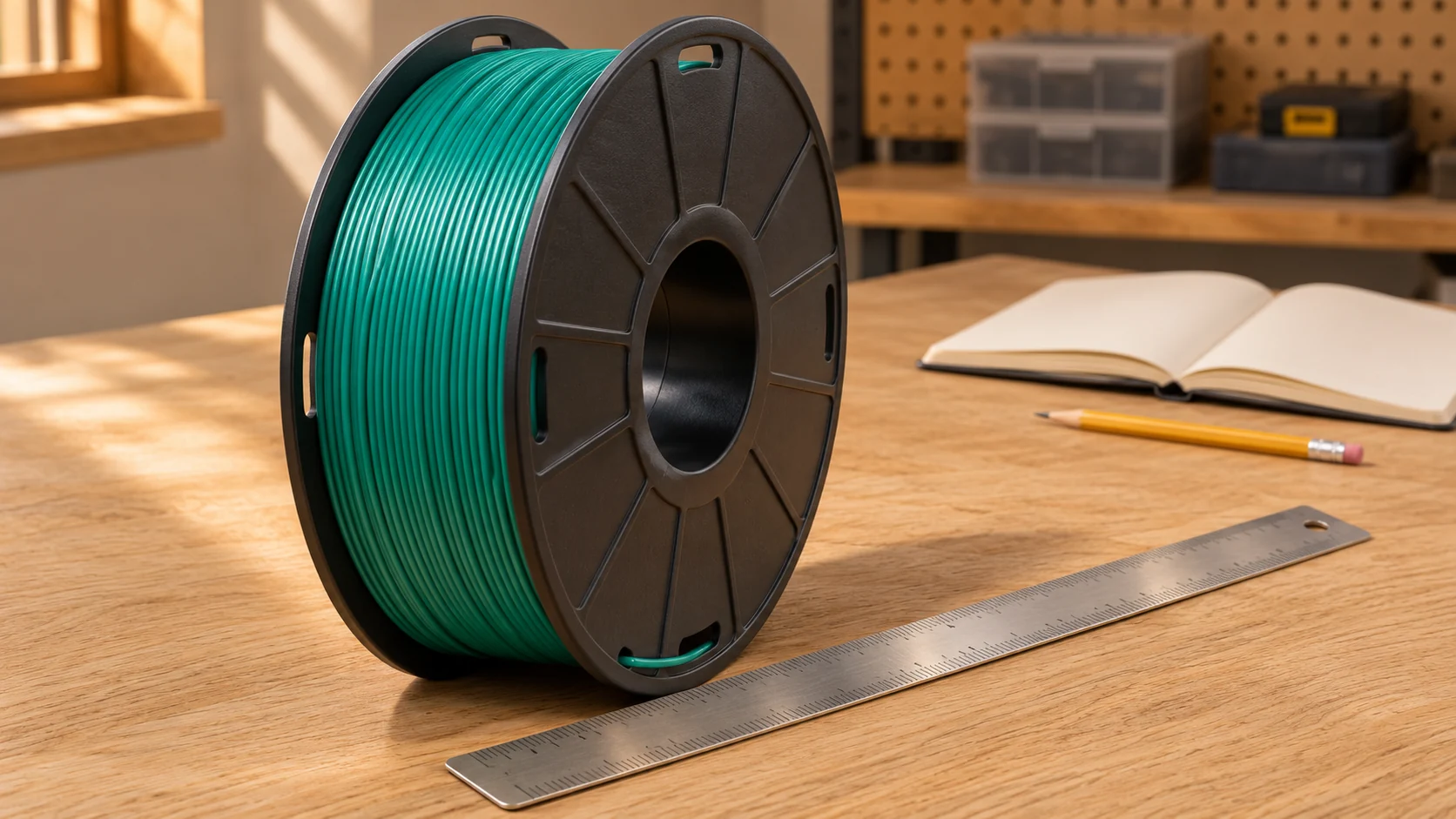
The S2 is a compact single-spool heated dryer. SUNLU’s product page lists overall dimensions of 265 × 274 × 118 mm, heating up to 70°C, and a display for temperature, time, humidity, and filament mode. The current page describes a circulating fan; confirm the revision you are buying.
The listed maximum working power is 48 W. That figure alone does not show drying effectiveness or electricity cost per completed spool.
Limitations
It holds one spool. On a multi-color project that means swapping spools and waiting between them.
Spool fit is the big one to check. Some brands use wide or oversized spools, and cardboard or refill spools behave differently.
Compare the exact diameter and width on the current listing with the spools you buy.
The 70°C ceiling also matters. Some filament makers recommend higher temperatures for certain materials, nylon being a common example.
Your filament’s own datasheet settles that.
Who it suits
The S2 looks like a good match for a small desk, one printer, and one spool at a time. It also fits someone who dries now and then and wants a simple dedicated unit.
For a one-spool workflow, compare its available settings with the exact PLA or PETG product you use. Extra capacity has less value if you rarely need it.
Check the SUNLU S2 listing for the selected US-plug package and its current price.
SUNLU S4
What it is
The S4 is a large chamber for several spools. SUNLU’s page says it holds up to four spools at once and works with 1.75 mm, 2.85 mm, and 3.0 mm filament.
That capacity describes the maker’s intended load, not universal compatibility with all reels labeled 1 kg.
SUNLU lists dimensions of 458 × 218 × 312 mm. Allow access for the lid, ventilation, and filament routing as well as the appliance itself.
Limitations
The standard S4 uses a shared chamber setting. Combine materials only when their specific drying instructions, spool limits, and required conditions are compatible. Material names alone do not determine whether a mixed load is suitable.
Measure the shelf before buying. Because official power figures differ, do not calculate an operating-cost promise from a single heater number; energy use also depends on cycling, duration, load, and room conditions.
SUNLU’s heat-up claims are not promises that a loaded spool has finished drying. Use the material-specific drying instructions rather than a chamber warm-up time.
Who it suits
The S4 fits multi-color printing, a few printers sharing one dryer, and a growing pile of open spools. Mixed material setups work too, as long as the materials suit the same temperature.
The S4’s extra capacity is most useful when you actually batch compatible spools. Compare delivered prices and installed space for your intended load; capacity alone does not establish better value.
Check SUNLU’s standard S4 listing, including the US region, plug, and bundle. A marketplace seller’s display name alone is not proof of authorization.
PolyDryer: Drying Dock, Storage Boxes, and Package Options
How the system works
The PolyDryer comes from Polymaker, co-developed with FabNotion. It uses a heated Dry Dock and sealed PolyDryer Boxes.
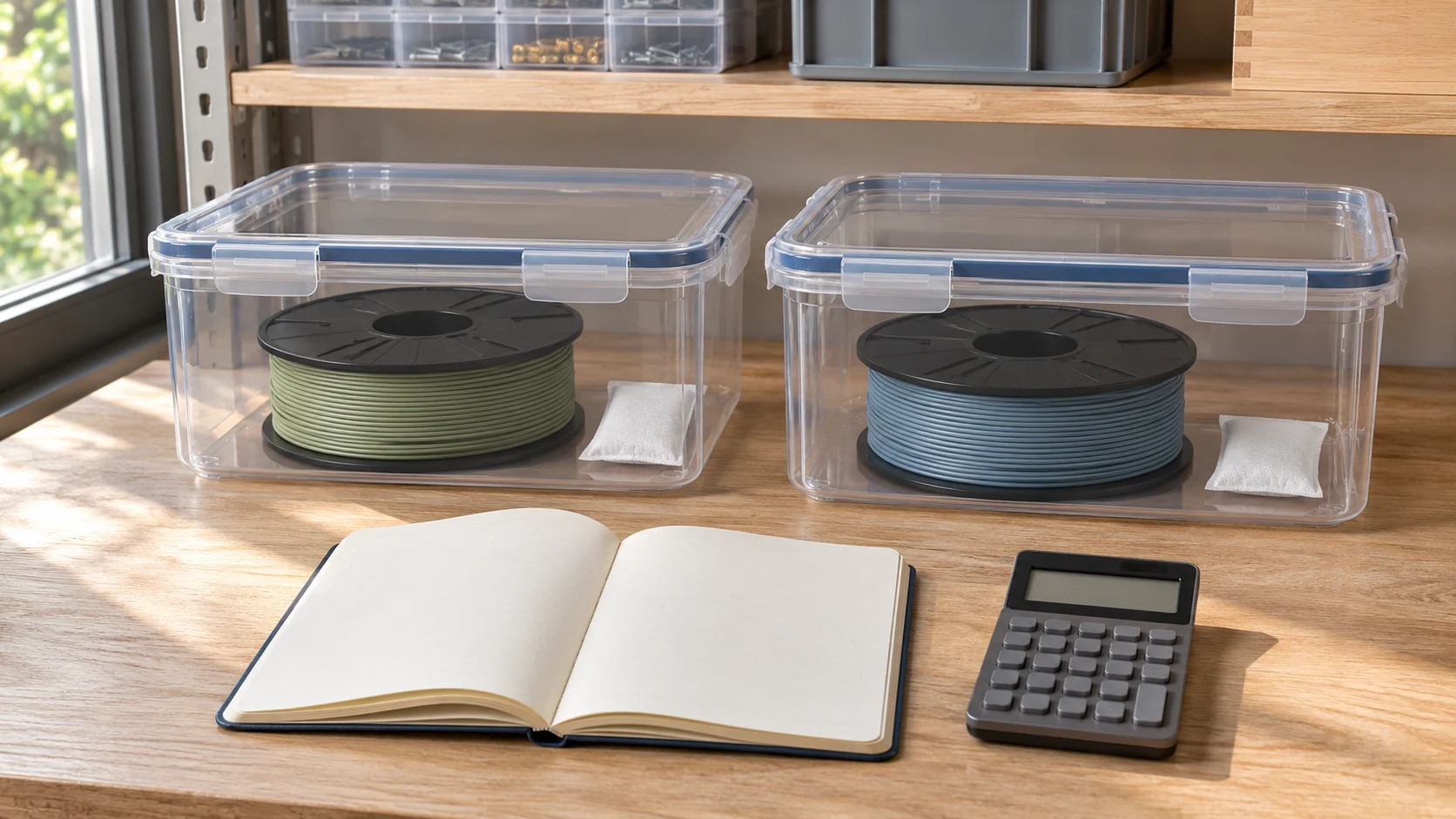
The Polymaker product page describes three preset power levels and additional Boxes for a modular workflow. Extra Boxes increase storage capacity; they do not let one Dock dry several Boxes simultaneously.
The useful part is the routine. Dry the spool while its Box is on the Dock, then remove that same Box and close its drying openings as the instructions specify. Put the next Box on the Dock when ready; there is no need to transfer the spool to a different container.
The Dock only heats one Box at a time, so working through a big backlog goes slowly.
The desiccant also needs maintenance. Polymaker’s FAQ describes regenerating its supplied desiccant in an empty Box on the Dock at level 3 for about eight hours. Follow the current instructions for your desiccant batch; this is not a filament drying recipe or a procedure for arbitrary storage containers.
Package options
- Dock + standard Box: the drying-and-storage package; the displayed US selection listed $79.99 but showed unavailable when checked.
- Box only: storage accessory without a heating Dock; confirm its current price rather than applying a bundle price.
- Box XL: larger option marketed for up to 3 kg spools. Connecting it to the existing Dry Dock requires the appropriate adapter, which Polymaker lists separately.
- Dock only: available as a separate purchase; it still needs a compatible Box for use.
Check the selected package contents. Do not mistake a Box-only or adapter price for the cost of a working dryer.
Limitations
Confirm the permitted ambient operating range in the current manual before planning a garage installation. Budget for each extra Box and any required XL adapter; accessory prices and available bundles can change.
The standard Box is listed for 1 kg spools, so check your spool sizes.
The PolyDryer suits someone who wants a storage routine and a dryer in one system. If you only want to dry a spool and print, you’re paying for storage you may never use.
Compare Polymaker’s package options and check current US availability. Do not assume the lowest displayed starting price includes the Dock.
Material Requirements, Print-Through Routing, and Total Setup Cost
Match temperature to the filament and the spool
The filament maker’s datasheet is the authority. The dryer’s preset button comes second.
Spools matter too, because some plastic spools soften or warp at higher temperatures.
A dryer that reaches 70°C doesn’t mean your spool should sit at 70°C. If the instructions are unclear or exceed the dryer’s capability, ask the material supplier. Do not assume a lower temperature with extra time is an equivalent drying process.
For PLA-specific precautions, see our PLA-drying guide. For material tradeoffs, see the filament comparison.
Print-through routing
Print-through means feeding filament from inside the dryer straight into the printer. SUNLU’s pages describe feeding from the dryer to the printer, and the S4 listing says it supports feeding to several printers.
Reviewers mention feed points on the sides and top.
Polymaker describes printing directly from its Box through its filament-feeding system. Follow the selected Box’s port and sealing instructions; storage closure and printing configuration are different steps.
Avoid tight bends and unsupported routing that could impede feeding, especially with flexible filament. Check compatibility with your printer’s feed system rather than assuming every dryer works with every setup. Our SUNLU S2 instructions cover that model’s setup; do not apply its controls to the S4.
Total setup cost
Compare the delivered cost of the configuration you actually need:
- S2: selected dryer package plus any genuinely needed routing or storage accessories.
- S4: selected regional package, checking included tubing before buying duplicates. Its four slots do not guarantee four times the useful drying throughput.
- PolyDryer: Dock + Box package, plus the current price of extra Boxes and any required adapter. One Dock with three Boxes means the starter package plus two additional Boxes, not three.
Also allow for desiccant maintenance or replacement and electricity. A useful operating-cost calculation needs actual energy used over the cycle and your electricity rate; a maximum wattage rating alone is insufficient.
Recommendations by Use Case, Buying Checklist, and FAQs
Recommendations by use case
One printer, one compatible spool at a time: start by comparing the SUNLU S2 with your required drying settings and available space.
Several compatible spools to dry together: consider the standard SUNLU S4, provided their drying requirements and spool limits work with one chamber setting.
A collection rotated through drying and sealed storage: consider PolyDryer with enough Boxes for the spools you want to keep enclosed. Account for sequential drying and current availability.
Materials requiring different conditions: use separate suitable cycles or independently controlled equipment that meets each material’s instructions. The standard S4 is not a dual-zone dryer.
Tight budget and spools that are fine: sealed storage with desiccant. Dry filament needs no heater.
Measure your spool and verify the package before ordering. Nominal spool weight is not a substitute for diameter, width, and routing clearance.
Buying checklist
- List the materials you print and check their datasheet temperatures.
- Measure your spools, including width, and compare to the listing.
- Decide whether you need drying, storage, or both.
- Count how many spools you dry at once, which can differ from how many you own.
- Measure the shelf space.
- Confirm the exact model name and seller.
- Check the room temperature where it will sit.
Run through that list before you buy any filament dryer and the choice usually gets clear fast.
FAQs
Trusting the humidity reading. The reading describes the air in the chamber. The filament can still hold moisture.
New, sealed spools. Packaging does not prove dryness, and a newly opened spool does not automatically need drying. Follow the material maker’s guidance and investigate print symptoms without assuming moisture is the only cause.
S4 versus S2. The S4 holds more. Which one is better depends on how many spools you use.
PolyDryer as dryer or storage box. The Dock supplies heat during the drying cycle; the appropriately closed Box supplies storage afterward. A Box-only purchase does not include an active dryer.
Drying PLA. It depends on your humidity and how long the spool has been open. The PLA drying guide linked above has the details.
Sources and Research Method
Official manufacturer pages were checked on November 18, 2026. Specifications are manufacturer claims; no ownership, hands-on drying tests, measured energy use, or independent performance ranking is claimed. Price and availability observations are package-specific snapshots. Images are AI-generated workflow illustrations, not photographs of the named dryers or evidence of testing.
- SUNLU S2 specifications and regional package listings
- SUNLU S2/S4 comparison guide, including S2 spool-fit limits
- SUNLU S4 specifications, store specification sheet, and dryer collection prices
- Polymaker PolyDryer packages and availability and official FAQ
- Prusa: drying filament and storage considerations