
We may earn money or products from the companies mentioned in this post.
Choosing filament for a desktop fused deposition modeling (FDM) printer comes down to four things: what the part has to do, how hot it gets, what the printer can handle, and how much extra setup feels reasonable. This 3D printer filament comparison explains where PLA, PETG, ABS, and TPU fit and what to check before buying.
Start with the technical data sheet for the exact spool and your printer’s manual. Settings and properties can differ between grades of the same material.
Quick Picks
Choose by what the finished part needs to do, then check whether your printer and workspace support that material.
First prints: Standard PLA. It is an easy starting point for models and prototypes used at room temperature.
Everyday functional parts: PETG. Consider it for holders, organizers, and other noncritical parts where standard PLA may be too brittle or have too little heat tolerance.
Parts exposed to more heat: Consider ABS if the exact grade suits the application and your printer and workspace meet its setup requirements.
Flexible parts: TPU. Look for a Shore hardness rating on the datasheet.
A 95A TPU is firmer than an 85A TPU on the same Shore A scale. Confirm support for the grade you choose.
Quick tip: For a first spool, choose a standard PLA your printer supports. If you’re still choosing a printer, start with our 3D printers for beginners guide.
The Comparison Table
This table summarizes typical use cases and setup tradeoffs. Use the exact spool’s data sheet for part properties and recommended settings.
| Feature | PLA | PETG | ABS | TPU |
|---|---|---|---|---|
| Print setup | Straightforward on supported printers | Check bed surface and temperature | Control drafts and follow enclosure guidance | Check feed path and supported hardness |
| Part feel | Rigid | Usually rigid with some give | Rigid | Flexible, with firmness depending on grade |
| Heat tolerance | Usually suited to cooler uses | Often more tolerant of heat than standard PLA | Commonly chosen for warmer uses | Varies by grade |
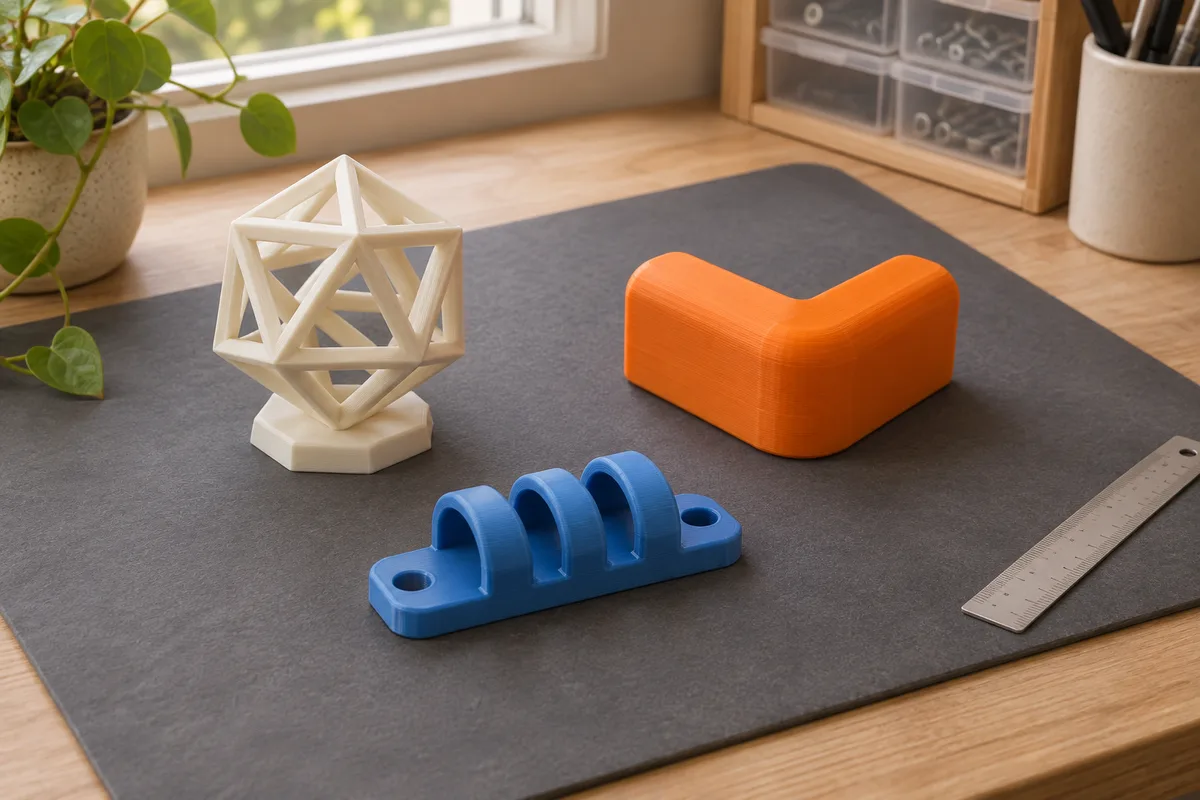
| Common projects | Display models and prototypes | Holders and covers | Rigid housings where the grade suits the conditions | Bumpers, grips, and soft feet |
| Main tradeoff | Limited heat tolerance | Can string or adhere too strongly to some beds | Warping and more demanding workspace setup | Feeding and print settings vary by grade |
When to Choose Each Material
PLA: Standard vs. PLA+
Standard PLA is a practical choice for detail and easy setup. It has limited heat tolerance, so avoid using it for parts that will sit in a hot car or near a heater.
PLA+ describes a manufacturer’s modified PLA formulation. For example, eSUN describes its PLA+ as formulated for toughness and impact resistance. Check the exact grade’s data sheet for its properties and settings. A PLA+ label alone does not tell you how much heat a part can handle.
Choose PLA when you’re learning, printing display models, making prototypes, or making parts that stay indoors and stay cool.
Skip PLA when the part sits in a hot car, near a heater, or has to flex or take repeated impacts.
PETG
PETG is a useful option for practical parts such as holders and brackets. Prusa’s material guide lists PETG without a heated enclosure requirement. Follow your printer’s guidance for the spool and build surface you plan to use.
The trade-off is stringing, since it gets sticky when melted. Retraction and temperature tuning usually take a few test prints, and the right values depend on the specific filament and the specific printer.
PETG can bond too strongly to some smooth PEI sheets. Prusa recommends a textured or satin sheet for its setup and advises using a glue-stick separation layer if printing PETG on its smooth PEI sheet. Check your own plate maker’s instructions.
Choose PETG when you want a rigid filament for a holder, cover, or other everyday part and the grade suits the load and environment.
Skip PETG when the project needs a soft, flexible part or the grade lacks suitable data for the heat or sustained load it will see.
ABS
ABS is commonly chosen for rigid parts that need more heat tolerance than standard PLA. It can warp or split between layers as it cools, especially with drafts or inconsistent chamber temperature.
An enclosure helps stabilize print temperature. Ventilation and other emission controls serve a separate purpose. NIOSH documents that filament printing can release airborne particles and gases, and recommends controlling exposure at the source. Check the printer manual and filament safety data sheet before choosing a setup.
Choose ABS when you need a rigid part for a warmer environment, have data for the exact grade, and your printer and workspace support it.
Skip ABS when your printer doesn’t support it or you can’t follow the material and printer guidance for the space. If printer design is the constraint, see our enclosed 3D printers comparison.
TPU
TPU is the flexible option, and the feed path matters. Softer grades can buckle in gaps along the path, so check which grades your extruder and feeder support. A short, well-constrained path can help. Use the speed recommended for the exact spool and printer profile.
Choose TPU when you need a part that can flex, such as a bumper, grip, or soft foot.
Skip TPU when you need a rigid part or your printer doesn’t support the grade. If you use an automatic spool feeder, check it separately. For example, Overture lists its standard TPU 95A as incompatible with Bambu AMS and AMS lite.
What to Check Before You Buy
A lot of failed prints trace back to a spool that never matched the printer. This section covers the checks that prevent that.
Printer Compatibility
Start with your printer’s supported materials list and check any grade-specific restrictions. Stay within the published hot end and bed limits for the installed hardware.
Filament Diameter
Check the printer’s specified filament diameter before buying. A 1.75 mm spool and a 2.85 mm spool are different sizes.
Temperature Limits
Compare the spool’s nozzle and bed ranges with the printer’s limits. Recommendations differ even within the same hardness grade. Overture’s TPU 95A lists a 35–50°C bed range, while Prusament TPU 95A lists 55–75°C for its documented setup.
Enclosure and Ventilation
Use the printer manufacturer’s guidance for enclosure needs and the filament safety data sheet for handling. An open-frame recommendation for PLA or PETG is about print setup. Plan for ventilation or other emission controls with any filament, and consult the NIOSH guide for examples of source control.
Drying
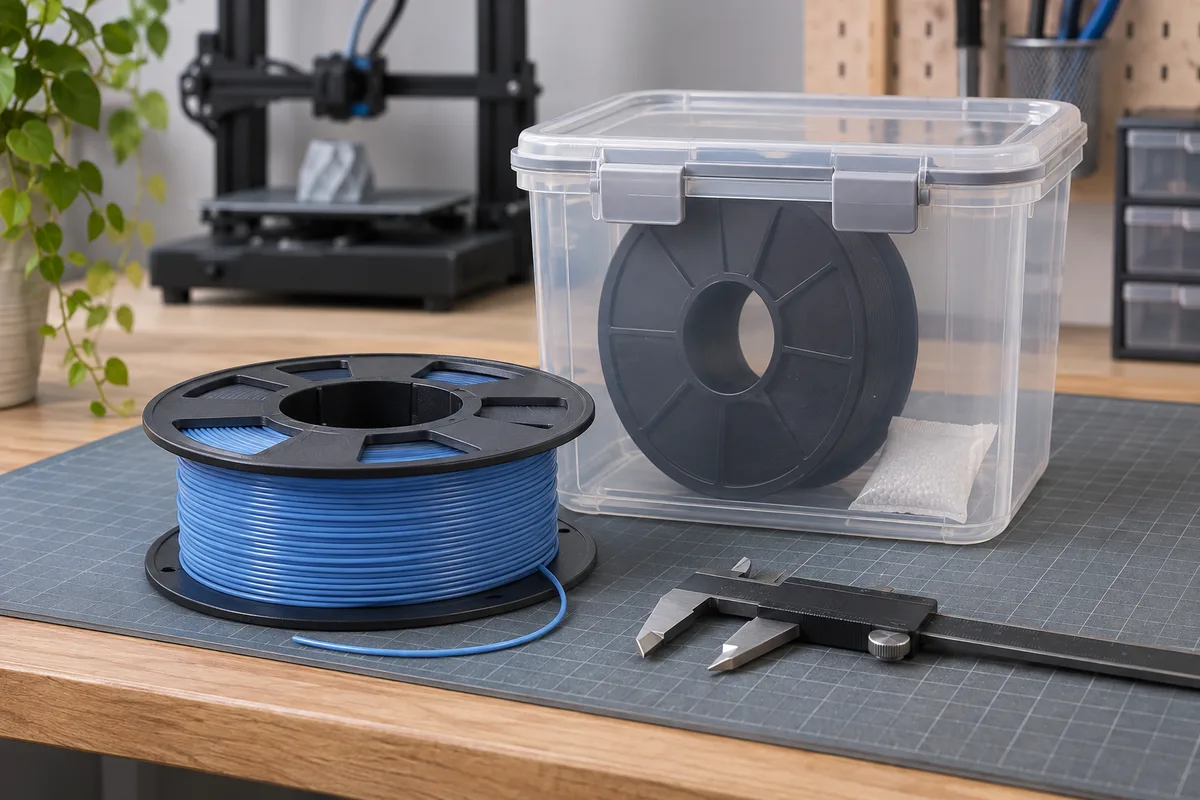
Moisture can contribute to rough extrusion and stringing. If your filament maker recommends drying, follow the stated time and temperature for the material and reel. A sealed container with desiccant helps keep a dry spool dry. Use the manufacturer’s drying procedure for a spool that has already absorbed moisture.
Spool and Reel Fit
Spool width and hole size vary, and some printers with an internal spool holder only fit certain sizes. It’s a small detail that is annoying to discover after the box arrives.
Starting Settings
Slicer profiles work as a starting point. Take the temperature range from the spool or datasheet for that brand, then adjust with a small test print.
A setting that suits one brand on one printer can behave differently with another brand on a different printer. Tie every setting to the exact filament and the exact machine in front of you.
Final Checklist
Run through these before buying. They take about two minutes.
- Decide what the part has to do: look good, hold a load, survive heat, or flex.
- Check the part’s expected temperature and load against the exact grade’s data. A lab softening or heat-deflection figure alone does not establish a safe service limit for a printed part.
- Confirm the printer’s nozzle and bed reach the temperatures printed on the spool.
- Match the filament diameter, 1.75 mm or 2.85 mm, to the extruder.
- Check whether the material needs an enclosure or ventilation, and whether you have both.
- Confirm the extruder suits flexible filament if you’re looking at TPU.
- Line up a way to keep the spool dry.
- Read the datasheet for that specific spool, especially for anything labeled PLA+.
If a spool fails a compatibility check, choose a supported grade or material. For a first print at room temperature, start with compatible standard PLA. Move to PETG, ABS, or TPU when a project gives you a specific reason to change.
Sources and Research Method
This is a research-based comparison. We checked filament manufacturer guidance and NIOSH’s 3D printing guidance on November 10, 2026. No hands-on tests or performance measurements are reported. The illustrations show example projects and setups.