
We may earn money or products from the companies mentioned in this post.
A low purchase price is less useful if the printer cannot fit your projects or its file-transfer workflow becomes inconvenient. The Creality Ender-3 V3 SE is worth considering when its nominal 220 × 220 × 250 mm build envelope, automatic leveling, and SD-card workflow match what you want to make.
The important tradeoffs are its open-frame design, material guidance, operating-space requirements, and lack of a standard built-in Wi-Fi printing workflow. Automatic calibration addresses specific adjustments; it does not remove assembly, cleaning, inspection, or the need to learn a slicer.
This is a research-based review of manufacturer-listed features, not a hands-on test. It does not claim measured print quality, setup time, reliability, noise, or maintenance savings.
Quick Verdict: Who Should Consider It?
Compare the SE when your projects fit its envelope, its verified total price suits your budget, and transferring prepared files by SD card is acceptable. Creality lists PLA, PETG, and TPU 95A for the model, giving a useful starting point for checking filament requirements.
Compare other options when network transfer, a factory enclosure, a different material range, or larger single-piece dimensions are essential. A higher advertised speed alone does not establish a better printer for your projects.
Before buying, check the exact configuration, included accessories, and operating area. Those details can matter more than a headline discount.
Key Specifications
Creality’s official comparison, support, product, and US store pages were checked on October 30, 2026. These are manufacturer specifications, not independent measurements.
| Specification | Ender-3 V3 SE |
|---|---|
| Nominal build volume | 220 × 220 × 250 mm |
| Published machine dimensions | 420 × 366 × 490 mm |
| Manufacturer-listed typical speed | 180 mm/s |
| Advertised maximum printing speed | 250 mm/s |
| Advertised maximum acceleration | 2,500 mm/s² |
| Maximum nozzle temperature | 260°C |
| Maximum heated-bed temperature | 100°C |
| Extrusion | Sprite direct drive |
| Bed leveling | CR Touch |
| Z-offset | Automatic measurement using a strain sensor |
| Standard file-transfer workflow | SD card |
| Manufacturer-listed materials | PLA, PETG, TPU 95A |
| Motion and enclosure | Open-frame Cartesian, moving-bed design |
| Filament runout detection | Confirm inclusion for the exact package; see the sensor note below |
The nominal build envelope describes print space. The machine dimensions describe the hardware while stationary. Neither replaces the installation-clearance instructions.
The 180 mm/s figure is another manufacturer specification, not a verified everyday operating speed. Model geometry, cooling, flow limits, layer height, acceleration, material, and profile settings affect actual completion time.
Dated US Price Observation
On October 30, 2026, Creality’s US store displayed $179, alongside a $199 reference price. This is a dated page observation rather than a guaranteed checkout total or a claim about every seller’s price history.
Check the configuration, shipping, taxes, and availability before ordering. See the official US SE listing.
Assembly and Calibration
Follow the current user guide for the exact machine. Setup includes attaching the specified components, connecting the designated cables, removing transport restraints, and checking the installation before calibration.
A stable surface and correctly assembled frame matter. Follow the manufacturer’s instructions for fasteners and belt adjustment rather than tightening everything indiscriminately. Automatic leveling cannot correct every mechanical problem.
What CR Touch Does
CR Touch measures variation across the build surface so the printer can apply height compensation. It does not physically flatten the plate, clean contamination, or repair a damaged or loose component.
The strain sensor performs a separate role in automatic Z-offset measurement. The SE should not be described as requiring routine manual paper leveling by default simply because older Ender models used that process.
Follow the official procedure if calibration or first-layer behavior needs attention. Do not substitute instructions for the KE or another Ender model without checking applicability.
What the Owner Still Handles
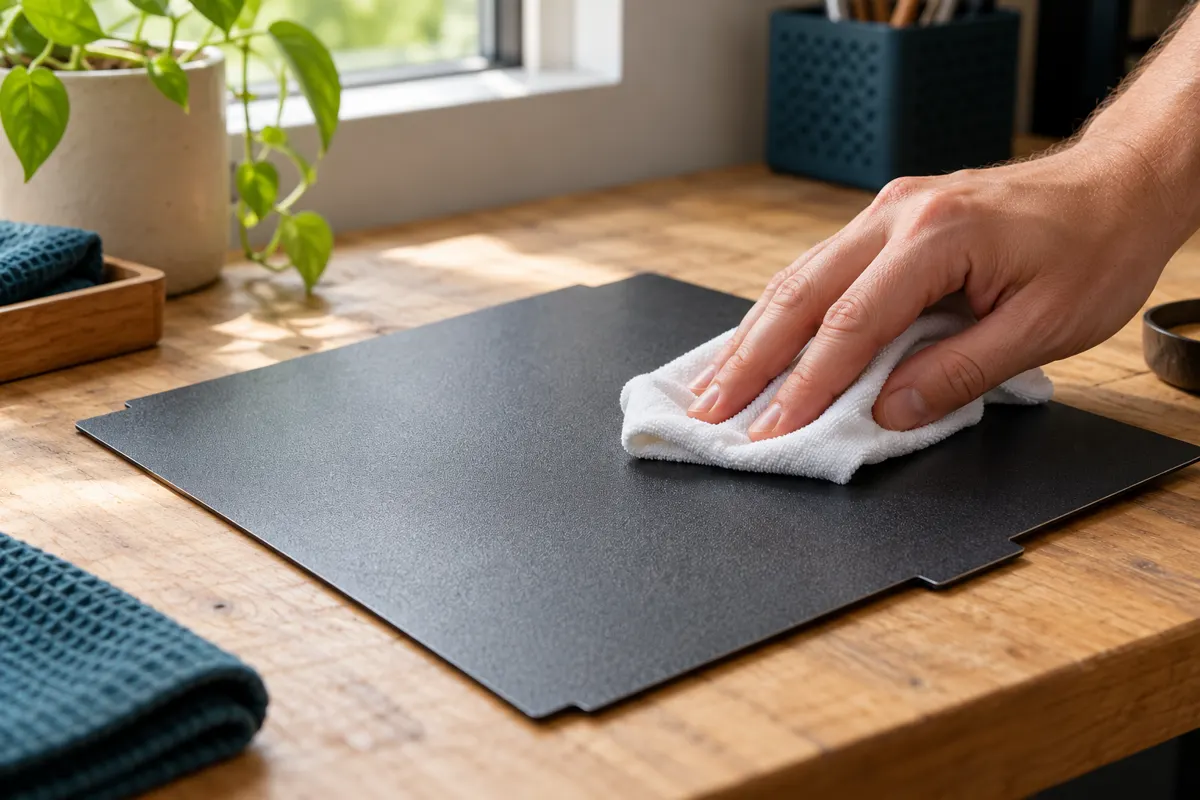
- Keep the build surface and nozzle in the condition specified for calibration.
- Check that components and the plate are correctly installed.
- Select the right machine, nozzle, and filament profile.
- Inspect the first layer and stop a job if it is clearly failing.
- Follow the maintenance and troubleshooting guidance for the exact model.
Automatic measurements do not guarantee a successful first layer. This review includes no measured failure rate or evidence that a particular firmware version causes a general leveling problem.
Everyday Printing: The SD-Card Workflow
The standard workflow is to prepare a model in a suitable slicer, generate the machine-specific print file, transfer it to an SD card, and select it on the printer.
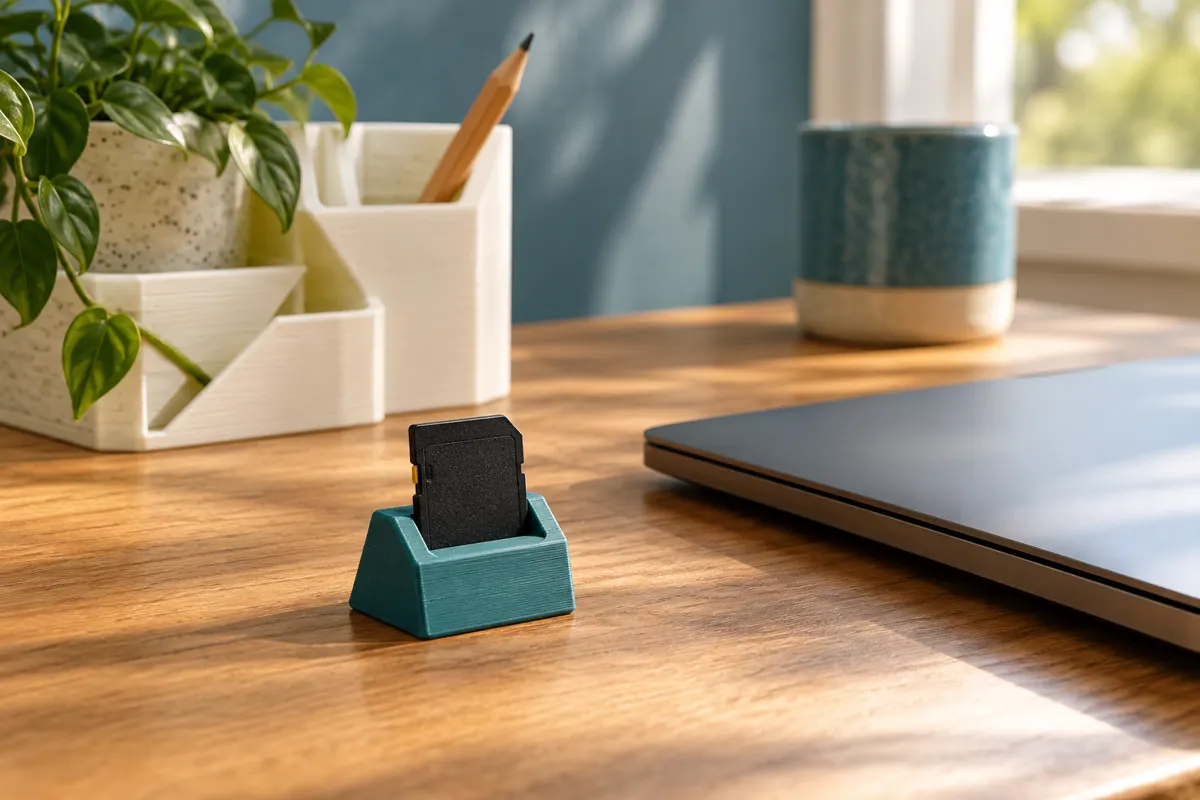
The distinction between a model and a print file matters. Formats such as STL or 3MF may be inputs to a slicer; that does not mean the printer directly executes those model files. Use the output format and card requirements specified for the SE.
Use a supported slicer and a profile validated for the exact model. Creality provides its own software workflow, but compatibility should not be assumed for every third-party program, profile, or firmware modification.
SD-card transfer can be a workable choice if physical file transfer suits your routine. It is an additional step compared with supported network transfer, not evidence that the machine is inherently unreliable or obsolete.
Network Control and Monitoring
The standard SE does not provide a built-in Wi-Fi printing workflow. Do not assume a camera, mobile monitoring, or remote job control is included because another Ender model offers those features.
Evaluate any separate hardware or modification for compatibility, installation requirements, support, and total cost. File transfer and visual monitoring are different capabilities; adding one does not establish the other.
If network printing is a priority, compare a model designed around that workflow rather than counting an unverified modification as an included feature.
Confirm Filament Runout Detection
The current official information does not settle package inclusion clearly enough for a blanket claim. Creality’s series comparison lists a filament runout sensor for the SE, while the US store also offers a separate detector kit for the SE and KE.
A separately sold replacement or accessory does not, by itself, prove whether a feature is included. Confirm the exact package and installed hardware with Creality before relying on automatic pause behavior when filament runs out.
Project Size and Operating Space
The nominal envelope can accommodate many organizers, brackets, knobs, holders, and models, depending on their design and orientation. A project category does not guarantee fit: check the actual model in the slicer.
Supports, brims, and other settings can require additional space. A part that approaches 220 mm in width or depth may leave little flexibility for positioning or adhesion settings.
Larger objects may need splitting and joining. That adds finishing work and can affect strength or appearance. Reorienting a model can also change its support needs and how the printed layers carry loads.
Allow for Movement and Access
The bed moves during printing. Leave the clearance required for travel, cables, the spool, plate removal, and maintenance. Follow the exact placement diagram instead of using only the published dimensions to judge fit.
A printer that fits on a desk while stationary may still lack enough operating room. Keep the work surface stable and provide the environmental conditions required by the printer and filament instructions.
Materials: Use the Model-Specific Guidance
Creality lists PLA, PETG, and TPU 95A for the SE. That material list is a starting point rather than a guarantee that every spool or design will print successfully.
PLA is a common material for learning, but a printed PLA part is not automatically suitable for heat, sustained load, or outdoor conditions. PETG and TPU have different characteristics and printing requirements; choose the formulation and design for the actual application.
The direct-drive extruder is relevant when comparing flexible-filament workflows. It does not mean every softer TPU grade or aggressive speed setting will work. Use the exact filament maker’s guidance and appropriate profiles.
Temperature Alone Does Not Establish Compatibility
A 260°C nozzle and 100°C bed do not establish suitability for every filament below those limits. The open-frame environment, cooling, installed nozzle, and material requirements also matter.
ABS, ASA, nylon, polycarbonate, and reinforced formulations require their own compatibility checks. Do not assume an improvised enclosure makes the SE suitable or is an approved installation.
This review does not make an independently verified claim about the exact internal hotend construction of every currently sold configuration. Use Creality’s current service documentation when selecting replacement or upgrade parts.
Ownership Costs and Routine Care
Budget for more than the printer. Depending on the package and projects, ongoing purchases may include filament, suitable storage, specified cleaning supplies, replacement nozzles or build surfaces, and other wear items.
Check included tools before buying duplicates. A parts catalog describes service components; it is not an authoritative packing list for every retail bundle. Verify the actual US package contents separately.
Compare exact-model parts and current prices. A large aftermarket ecosystem does not establish that every item labeled for an Ender printer fits the SE, or that replacement costs are always low.
Filament Storage
Moisture can affect printing with sensitive filaments. Follow each filament maker’s drying and storage instructions. Sealed storage with desiccant can help maintain dry conditions, but it does not necessarily dry a spool that has already absorbed moisture.
Maintenance
Follow Creality’s guidance for plate cleaning, motion-system care, belt and fastener inspection, nozzle checks, and lubrication. Use the specified products in the specified locations rather than treating every visible moving surface alike.
This review does not establish a fixed maintenance schedule for every environment, nor does it contain measured maintenance-cost comparisons with other printers.
Pros, Cons, and Brief Alternatives
Reasons to consider the SE include automatic leveling and Z-offset, direct-drive extrusion, a medium-size nominal envelope, and an offline file-transfer workflow. Its dated US store price may make it worth comparing within a budget.
Limitations include the lack of a standard Wi-Fi workflow, open-frame material considerations, operating-clearance requirements, and the need for normal care. Sensor and accessory inclusion should be confirmed for the exact package.
Ender-3 V3 KE
Compare the KE when network transfer, a touchscreen, or its additional controls are features you will use. Verify its current configuration and total price rather than assuming it is always the better option for frequent printing.
Our Creality printer comparison explains the SE, KE, and K1 Max without treating speed specifications as measured results.
Bambu Lab A1 mini
Compare the A1 mini when its smaller printing envelope and listed calibration and software features suit your projects. Its current US price, package contents, and firmware-dependent functions were not independently reverified here, so this review does not claim a precise price saving or universal ease-of-use advantage.
Our A1 mini versus Ender-3 V3 SE comparison focuses on that buying decision.
Common Questions
Does the Ender-3 V3 SE level itself?
It uses CR Touch for automatic bed leveling and a strain sensor for automatic Z-offset. Follow the setup and maintenance instructions and inspect the first layer.
Does it include a filament runout sensor?
Confirm the exact package. The current series comparison lists the feature, while the store also sells a detector kit. Inclusion and installed behavior should not be assumed from either fact alone.
Does it print over Wi-Fi?
The standard SE uses an SD-card file-transfer workflow. Any additional network hardware or modification is a separate decision that needs verification.
Is 180 mm/s a guaranteed everyday speed?
No. It is Creality’s listed typical-speed specification. Suitable settings and completion time depend on the model, filament, profile, and other printing conditions.
Is the SE the cheapest printer to own?
This review does not establish that. Compare the current checkout total, compatible consumables, accessories, and the projects you expect to print.
Verdict: Check the Workflow Before the Discount
The Ender-3 V3 SE is worth considering when its print dimensions, listed material range, automatic calibration features, and SD-card workflow meet your needs at the verified total price.
Compare alternatives when network control, a different material environment, or other project dimensions are essential. Start with representative models, the full operating area, and a clear understanding of the exact package.
Sources and Research Method
Official Creality product, support, comparison, store, and wiki pages were checked on October 30, 2026. Prices are dated page observations. Runout-sensor inclusion remains a package-specific verification point because the available listings do not resolve it consistently. No hands-on tests or independent performance measurements are claimed.